
Course Authoring Tool
A course authoring tool is software used to create digital learning content such as courses, assessments and interactive modules.
A course authoring tool lets instructional designers and subject-matter experts build e-learning (slides, quizzes, scenarios, video and interactions) and export it in standards like SCORM or xAPI for delivery in an LMS.
Modern authoring tools increasingly use AI to draft content, generate assessments and convert documents or videos into structured courses, cutting creation time dramatically.
How Course Authoring Tool works in Violetinfo.ai
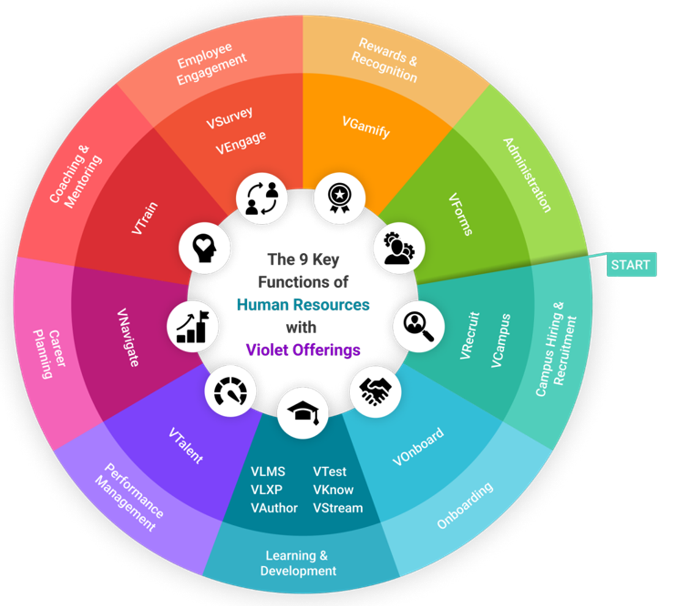
VAuthor is Violetinfo.ai’s AI authoring tool: it turns source material into courses, assessments and media in minutes, then publishes directly into VioletLMS.
Types of course authoring tools
Authoring tools range from simple slide or page builders, suited to subject-matter experts who need to publish quickly, to advanced tools that support branching scenarios, variables, custom interactions and software simulations. Some run as desktop applications, while many are now cloud-based, which makes collaboration and review easier for distributed teams.
A newer category uses AI to draft course outlines, write narration, generate quiz questions and convert existing documents, presentations or videos into structured modules. These tools still need human review: an instructional designer or subject-matter expert should check accuracy, tone and alignment with learning objectives before anything is published.
Output formats and standards
What a tool can publish matters as much as what it can build. Most tools export SCORM 1.2 or SCORM 2004 packages for LMS delivery, and many also support xAPI, cmi5 or plain HTML5. Choose formats based on what your LMS supports and how much tracking detail you need.
Output should also be responsive, so courses work on phones and tablets, and accessible. The W3C Web Content Accessibility Guidelines (WCAG) are the usual benchmark, covering keyboard navigation, captions, text alternatives for images and sufficient color contrast.
How to evaluate an authoring tool
Start with who will author. A tool built for specialist designers may slow down subject-matter experts, while a very simple tool may frustrate designers who need advanced interactions. Then check collaboration features (shared review, comments, version history), template and brand controls, translation and localization support, and how easily content can be updated after publishing.
Run a pilot with a real course, publish it to your LMS and confirm completion and scores report as expected. VAuthor is Violetinfo.ai's AI authoring tool: it turns source material into courses, assessments and media, then publishes directly into VioletLMS.
Common authoring mistakes to avoid
Many courses fail not because of the tool but because of how it is used. Converting slide decks page by page produces long, passive courses that learners click through without engaging. Start instead from what learners need to do differently, and design practice activities, scenarios and short checks around those actions.
Other frequent problems include inconsistent completion settings between courses, overly long modules that are hard to finish on mobile, and no plan for updates. Keep source files organized, use templates for consistency and schedule reviews so content stays accurate as policies and products change. For multilingual workforces, plan translation early, since text embedded in images or video is harder to localize later.
Frequently asked questions
What is the difference between an authoring tool and an LMS?
An authoring tool creates learning content, while an LMS delivers that content to learners and tracks their progress. Content built in an authoring tool is usually exported as a SCORM, xAPI or cmi5 package and uploaded to the LMS.
Can AI authoring tools replace instructional designers?
No, AI tools speed up drafting but still need instructional designers and subject-matter experts to check accuracy and learning design. The best results come when AI handles first drafts and people focus on review, context and practice activities.
Which output format should an authoring tool support?
At minimum it should export SCORM, because nearly every LMS supports it. Support for xAPI and cmi5 is valuable if you want richer tracking or need content to run outside a browser-based LMS session.